Day 26 - Jenkins Declarative Pipeline
Introduction :
Jenkins Declarative Pipeline is a way to define continuous delivery pipelines using a human-readable and structured syntax. It is an extension of the Jenkins Pipeline plugin and provides a more simplified and opinionated approach to defining pipelines as code. Declarative Pipelines aim to make it easier for both beginners and experienced Jenkins users to create and maintain pipelines without needing to have an in-depth understanding of the underlying Groovy scripting language.
What is Pipeline?
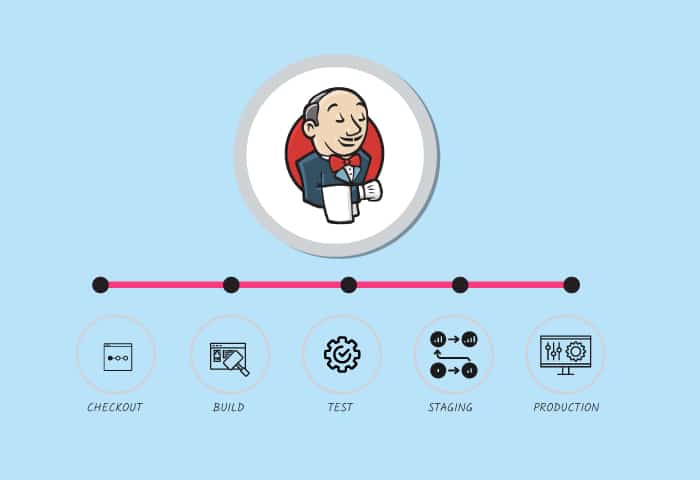
In Jenkins, a pipeline is a set of automated processes that define how software is built, tested, and deployed from source code to production.
It provides scope to the entire software delivery lifecycle and aims to create a seamless and automated workflow for building and delivering software.
Jenkins pipelines are implemented using the Jenkins Pipeline plugin, which allows you to define your build and deployment workflows as code. There are two main types of pipelines in Jenkins: Declarative Pipelines and Scripted Pipelines.
Declarative Pipeline:
Declarative Pipeline is a more structured and human-readable way to define pipelines as code. It uses a simplified syntax and is ideal for users who are new to Jenkins or those who want to define pipelines with less complexity. Declarative Pipelines provide a set of predefined stages and steps, which makes it easier to create and manage pipelines without extensive scripting.
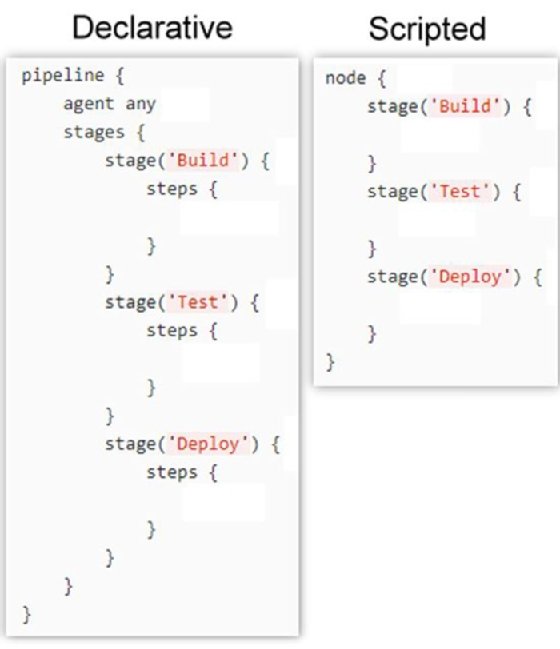
The above image shows the syntax of the declarative and scripted pipeline.
Scripted Pipeline: A Scripted Pipeline allows for more flexibility and control over the pipeline flow by using Groovy scripting. With a Scripted Pipeline, you can write custom logic and functions to orchestrate the various stages, steps, and actions of your pipeline. This type of pipeline is suited for users who have a solid understanding of Jenkins and Groovy scripting.
Both types of pipelines share the common goal of automating the software delivery process.
They typically include stages like checkout, build, test, deploy, and more, depending on the specific requirements of the software project.
Pipelines can also integrate with version control systems, external tools, and notification mechanisms to ensure that the entire delivery process is efficient, reliable, and transparent.
Why you should have a Pipeline?
Automation: Pipelines automate the entire software delivery process, reducing manual intervention and human errors.
Consistency: Pipelines ensure consistent build and deployment processes, regardless of the environment or the person triggering the build.
Traceability: Every step in the pipeline is recorded, providing a clear audit trail of changes and activities.
Reproducibility: Pipelines can be versioned alongside the source code, allowing you to reproduce builds and deployments at any point in time.
Parallelism: Pipelines can execute multiple stages concurrently, speeding up the overall delivery process.
Scalability: Pipelines can be easily scaled to handle multiple projects and teams.
Overall, Jenkins pipelines enable teams to adopt Continuous Integration (CI) and Continuous Delivery (CD) practices, resulting in faster and more reliable software releases.
Key features of Jenkins Declarative Pipelines include:
Human-Readable Syntax: Declarative Pipelines use a more concise and easy-to-read syntax compared to traditional scripted pipelines.
Pipeline Stages and Steps: Pipelines are divided into stages, and each stage contains a series of steps. This makes it easy to visualize and understand the progression of the pipeline.
Automated Logging and Visualization: Declarative Pipelines provide built-in support for generating visualizations of the pipeline stages and their statuses, making it easier to monitor the progress of a build.
Automatic SCM Checkout: Declarative Pipelines automatically handle the checkout of source code from a version control system (such as Git) when needed.
Environment Configuration: The pipeline syntax includes a simple way to define environment variables, tools, and other configurations required for the pipeline.
Error Handling and Recovery: Declarative Pipelines provide built-in error handling and recovery mechanisms to handle failures and issues during the pipeline run.
A basic example of a Declarative Pipeline:
pipeline {
    agent any

    stages {
        stage('Build') {
            steps {
                // Build your application here
            }
        }

        stage('Test') {
            steps {
                // Run tests here
            }
        }

        stage('Deploy') {
            steps {
                // Deploy your application here
            }
        }
    }
}
In this example, the pipeline has three stages: Build, Test, and Deploy.
Each stage contains a series of steps, and Jenkins will automatically manage the execution of these stages in the specified order.
Task-01 Create a Hello_World job using the declarative pipeline.
Create a New Job, this time select Pipeline instead of Freestyle Project.
Follow the Official Jenkins Hello World example.
step 1: Launch an Ec2 Instance named "JENKINS-SERVER".
Install JAVA, JENKINS on the Jenkins-Server
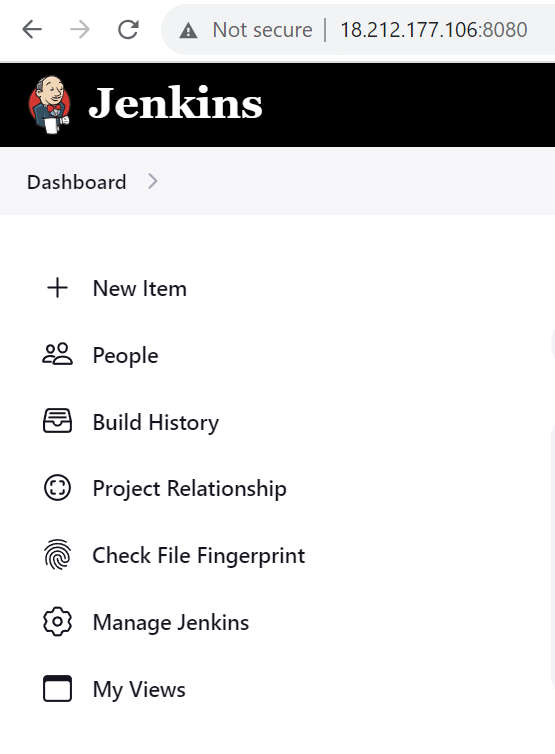
Take the public IP of Jenkins server and open a new tab and paste in the syntax as <public_ip:8080>
Login into the Jenkins dashboard and click on New Item
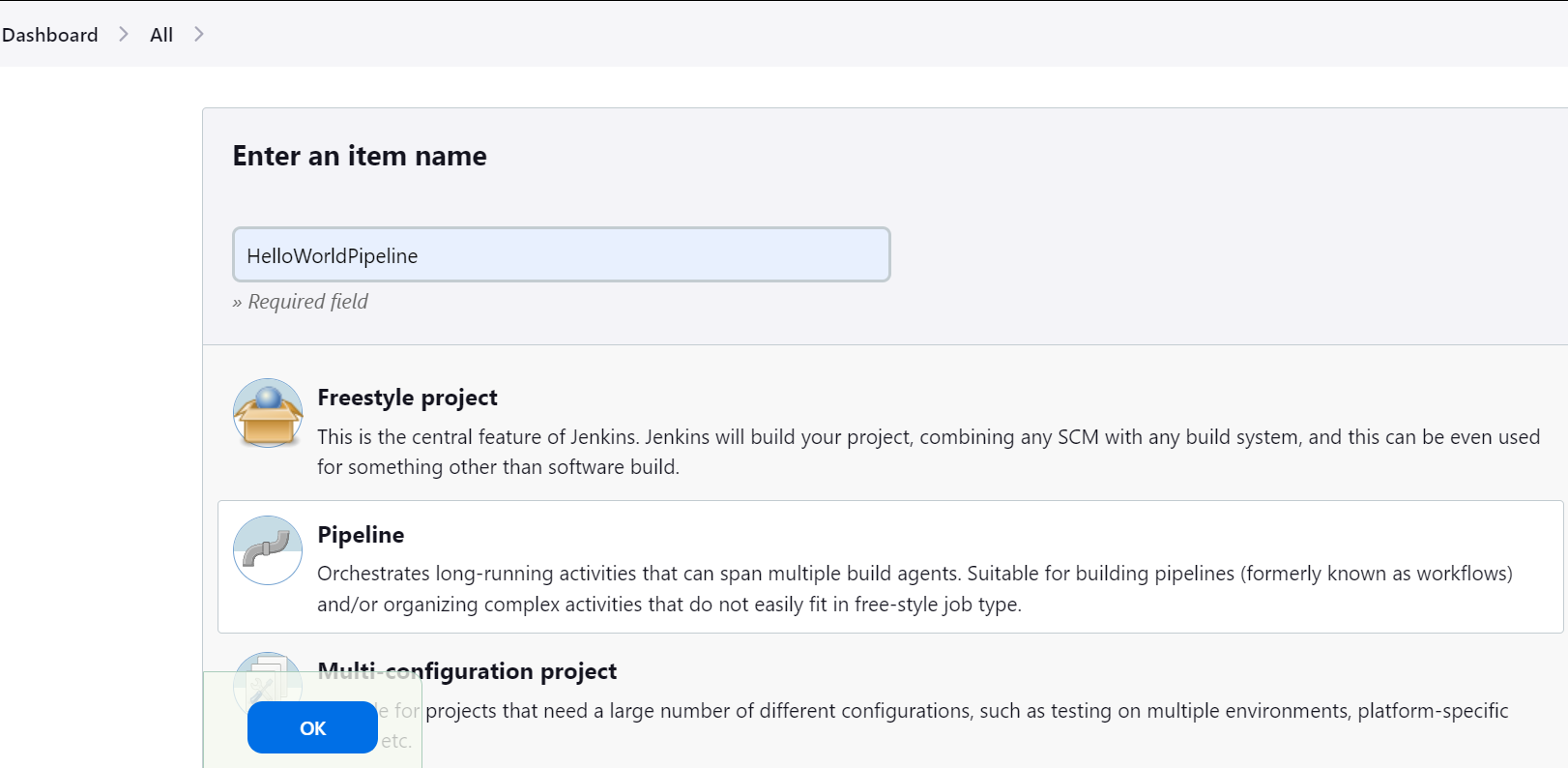
step 2: Enter the name of the item as HelloWorldPipeline
Click on Pipeline and click Ok
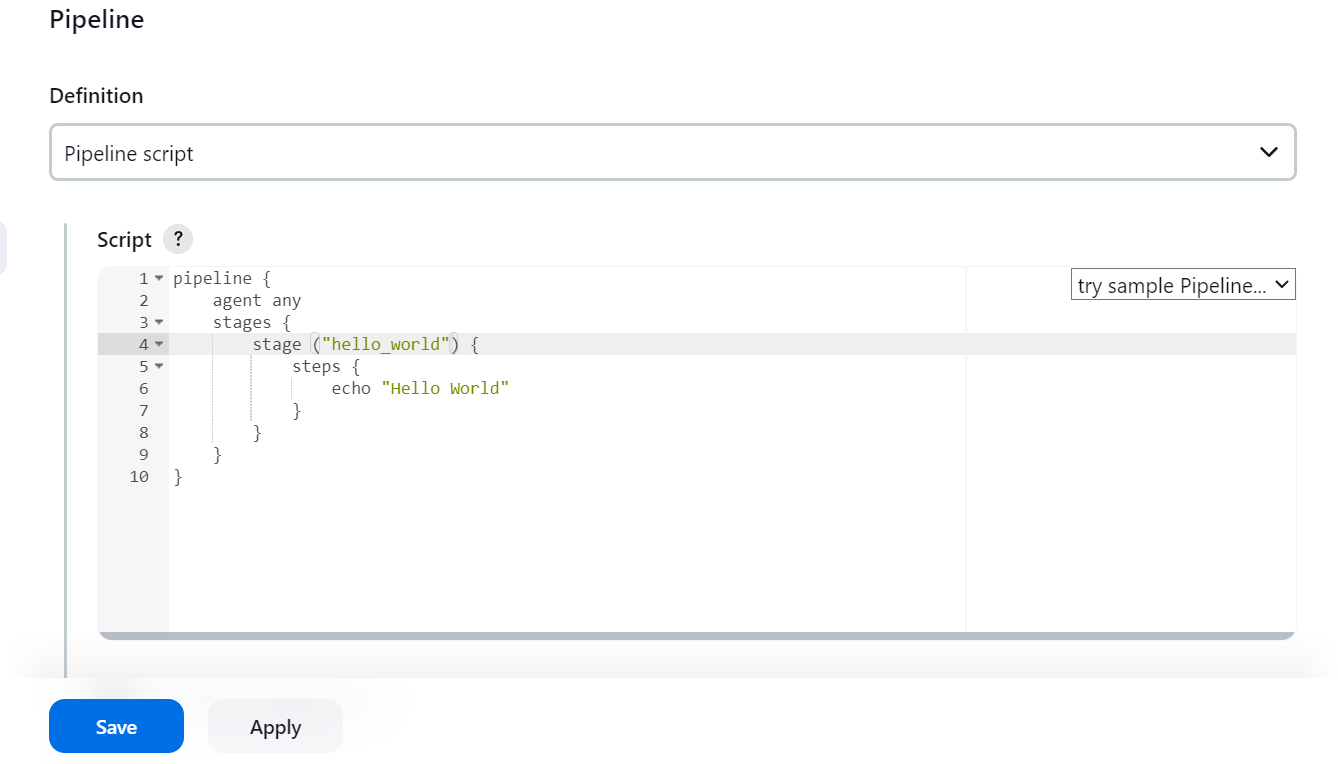
step 3: Go to the end of the page, in the Pipeline section: Type the declarative pipeline script for Hello World as shown below and click on save.
Here the script is defined within the pipeline block.
step 4: click on Build Now.
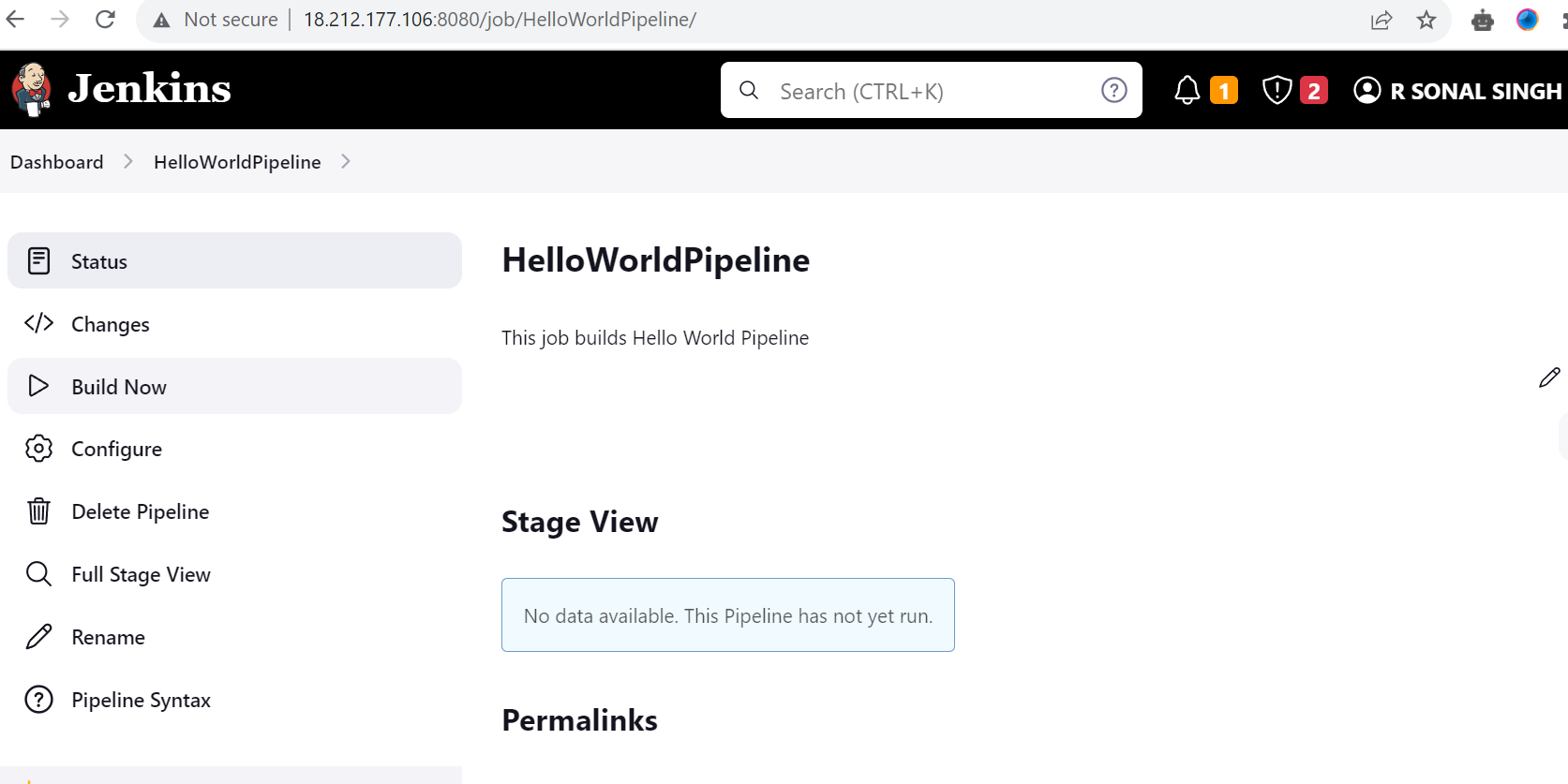
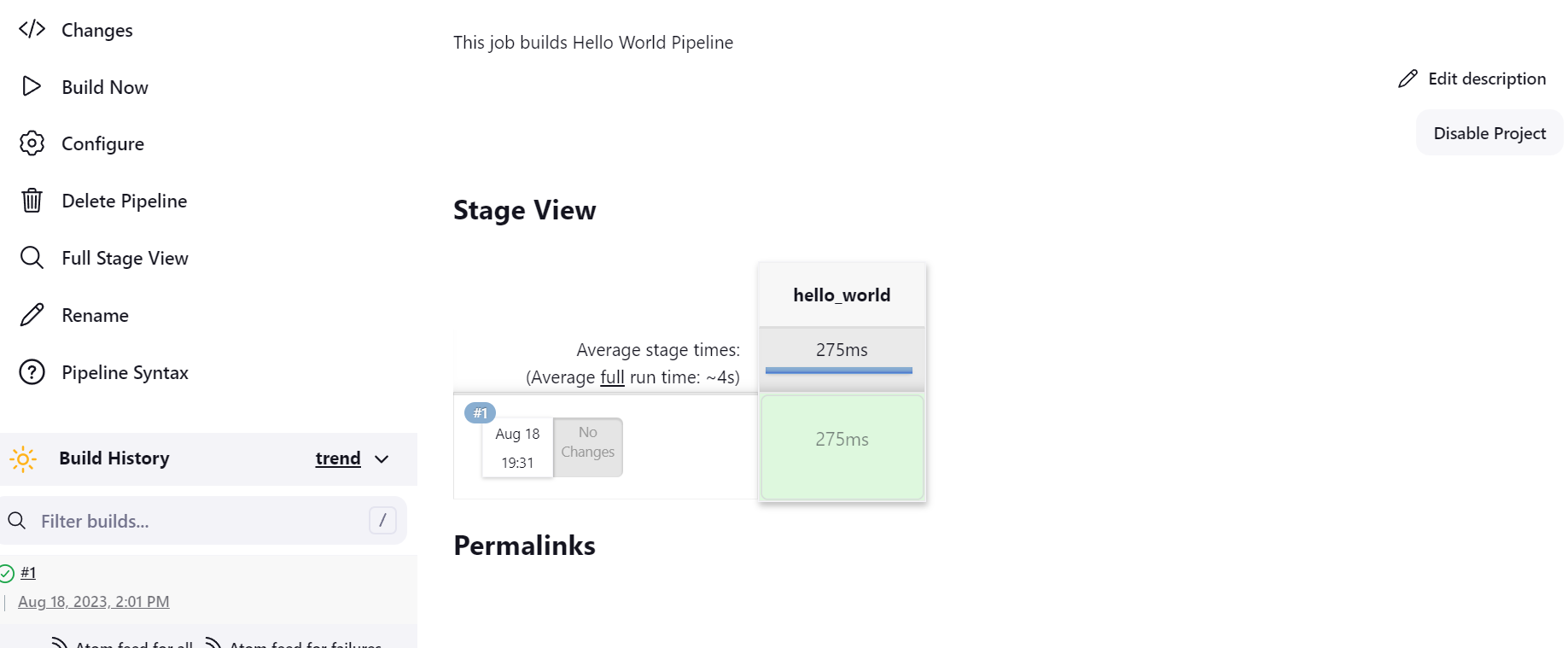
step 5: Below image shows that the job is to build And it's Successful.
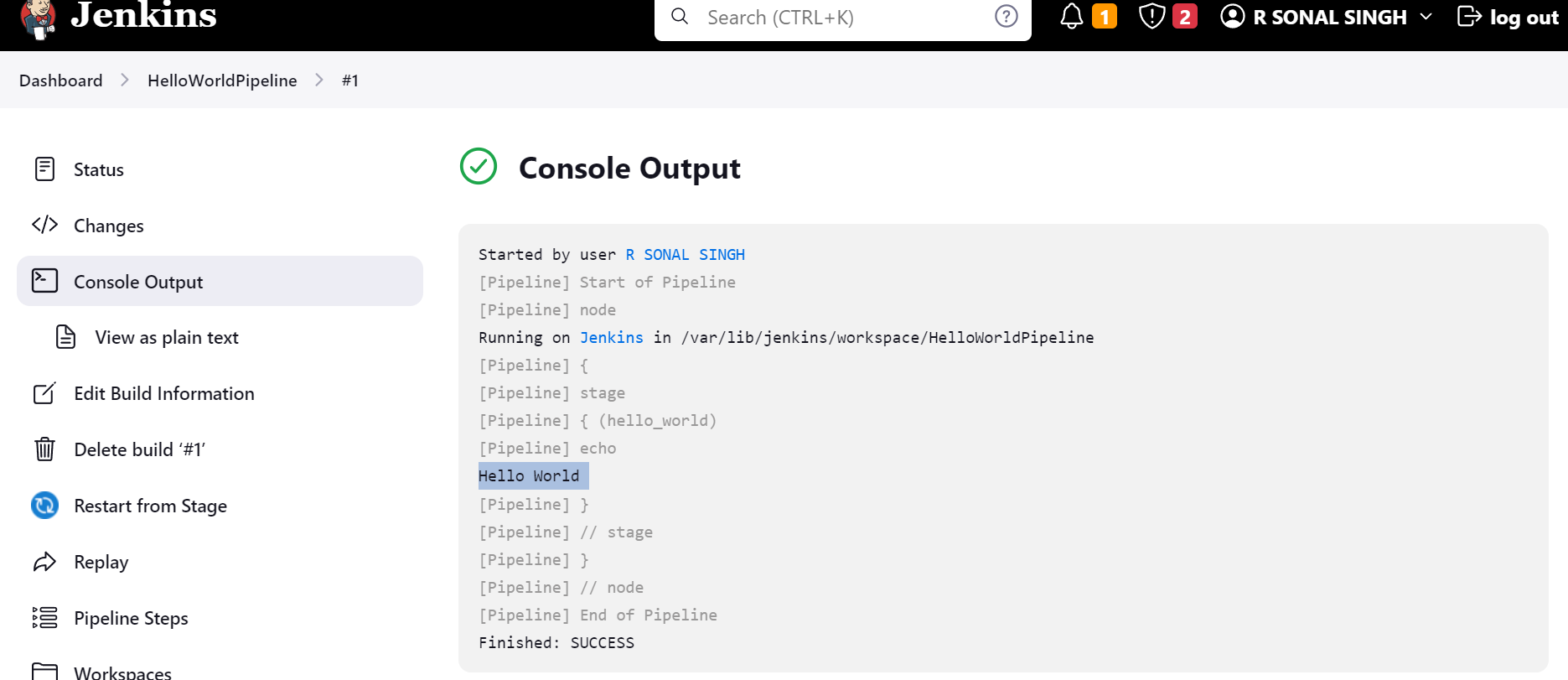
step 6: Click on Console Output to see the complete Output.
Here we can see that job is successful and Output is given as Hello World.
Task-02 Create a Hello_World job using the Scripted pipeline.
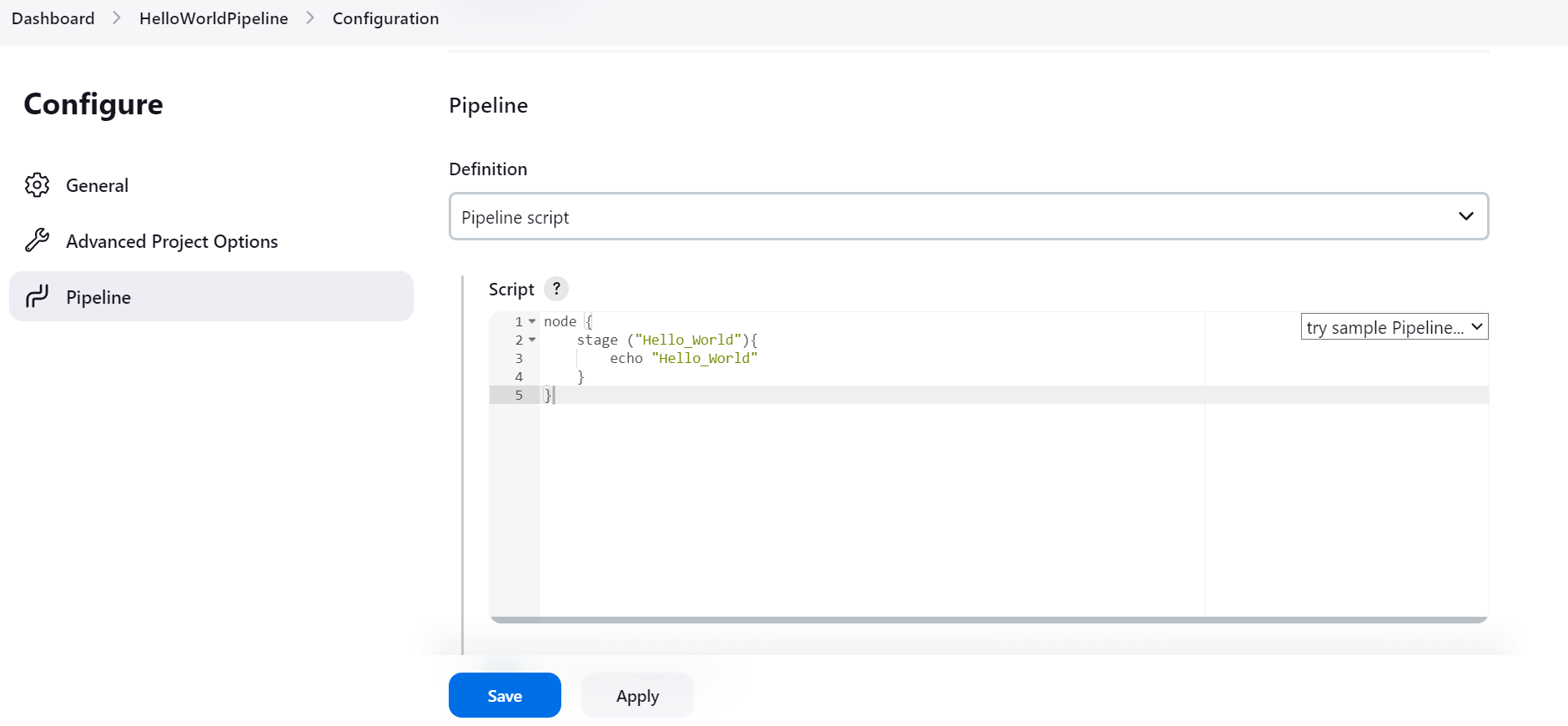
step 1: follow the same procedure, But replace the Pipeline script with the below-given script & click on Build Now.
Here the script is defined within the node block.
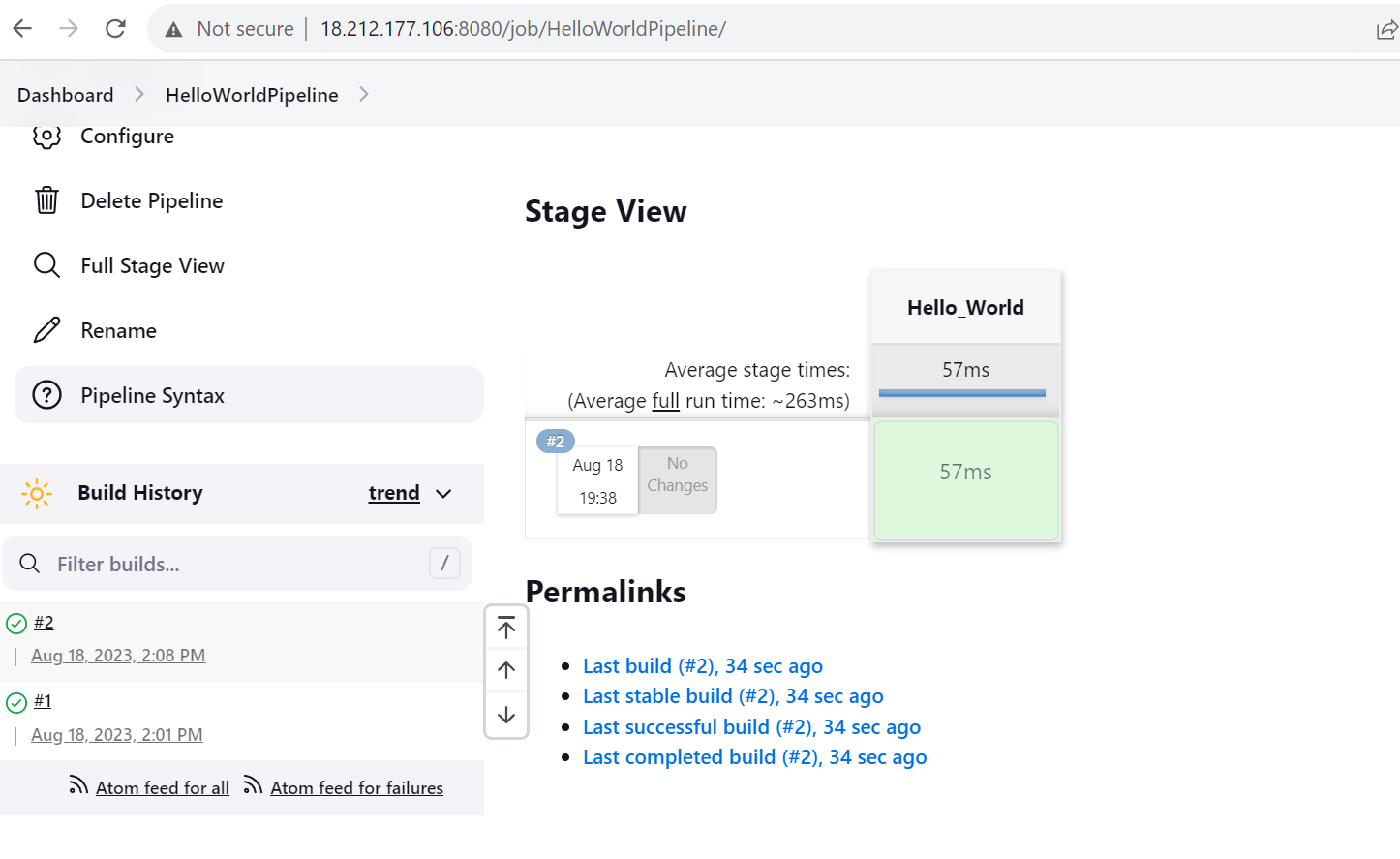
step 2: Below image shows that the job is built and its successful.
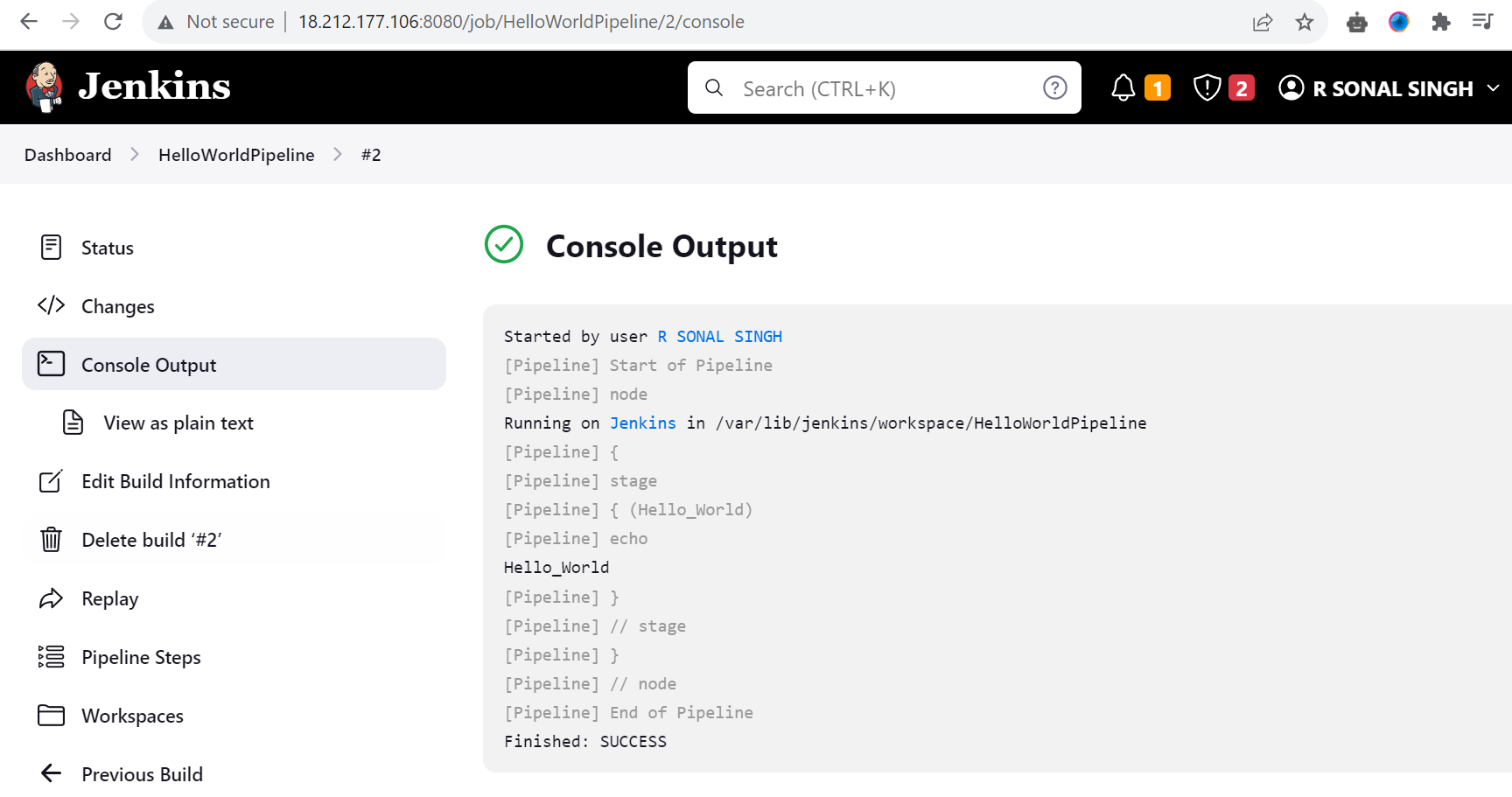
step 3: click on the console output to view the complete Output of the job.
I hope you find the blog post helpful! If you do, don't forget to like 👍, comment 💬, and share 📢 it with your friends and colleagues.